Top 10 IPTV Apps for FireStick Paid And Free Options 2026
Explore the top 10 IPTV apps for FireStick in 2026. Discover the best free and paid options for an enhanced streaming experience.
Table of Contents
The FireStick continues to be a top choice for IPTV fans across the UK and globally. Its affordability, user-friendly interface, and wide-ranging compatibility make it perfect for IPTV Apps on FireStick.
Explore the best IPTV Apps for FireStick in 2026 with this guide, detailing the top ten free and paid apps that promise smooth, secure, and enriched streaming experiences.
Why Choose IPTV Apps on FireStick?
Before selecting an IPTV app, understand why FireStick is a favorite among users:
Easy installation of IPTV APKs
Portable and compact design
User-friendly remote control
VPN compatibility for secure streaming
Supports EPG, M3U, and Xtream Codes
1. IPTV Smarters Pro (Free & Paid)
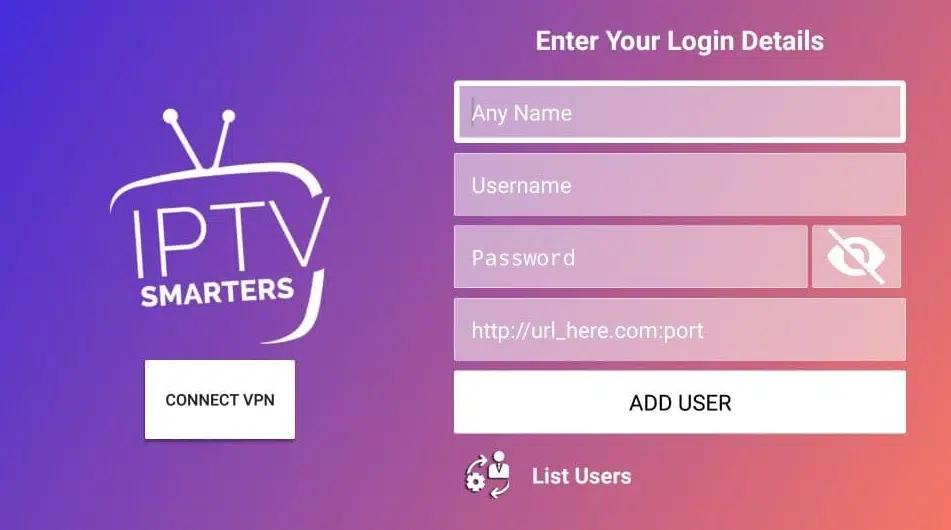
IPTV Smarters Pro is celebrated for its sleek interface and dependable performance. It's compatible with Xtream Codes, M3U, and JSON, offering integrated EPG and catch-up features. Multi-screen and external player compatibility add to its appeal.
Best for: Users handling multiple IPTV subscriptions.
2. TiviMate IPTV Player (Free & Premium)
TiviMate is a premium IPTV player designed for Android TV and FireStick. It boasts a streamlined, EPG-focused user interface, robust playlist management, and features like catch-up and multi-view in its Pro version.
Price: Around £10 per year
Best for: Advanced users looking for customization.
3. XCIPTV Player (Free)
XCIPTV is lightweight and ad-free, featuring a modern interface. It supports Xtream Codes login, a built-in player with subtitle support, and cloud DVR integration, depending on your provider.
Best for: A clean, straightforward IPTV experience.
4. Smart IPTV (One-time Payment)

Smart IPTV is recognized for its user-friendly design and regular updates. It uses M3U URL-based playlists and is EPG compatible, with a one-time cost of about £5.
Note: Activation is needed after the trial period.
Best for: Users who prefer a one-time purchase.
5. Flix IPTV (Paid)
Flix IPTV is a high-end app optimized for remote-controlled devices like FireStick, featuring a minimalist design and high performance, with multi-screen capabilities and various subtitle and language options.
Price: £7 one-time license fee
Best for: Users desiring a premium streaming interface.
6. IPTV Extreme (Free & Pro)
IPTV Extreme is packed with advanced features, ideal for seasoned streamers. It offers live TV recording, Chromecast support, parental controls, and scheduled EPG refreshes.
Best for: Technically savvy users who appreciate advanced tools.
7. Kodi with IPTV Add-ons (Free)
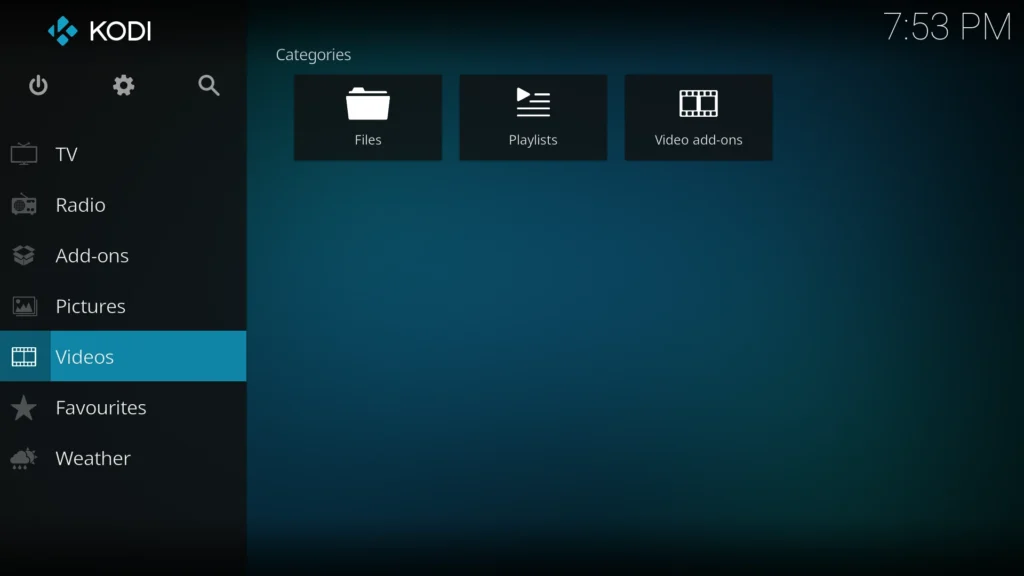
Kodi, while not an IPTV app, supports IPTV through add-ons. It works with PVR IPTV Simple Client, offering customizable skins and add-ons, ideal for comprehensive entertainment systems.
Best for: Users who enjoy customization and experimentation.
8. GSE Smart IPTV (Free)
GSE Smart IPTV is popular, although official updates have ceased. It supports M3U, JSON, and Xtream API, with Chromecast compatibility and local media file playback.
Note: Interface may seem outdated.
Best for: M3U playlist users.
9. Perfect Player IPTV (Free)
Perfect Player IPTV is a reliable, long-standing IPTV app with EPG support, on-screen display, and full-screen modes, featuring a lightweight user interface.
Best for: Older FireStick models or devices with limited storage.
10. Net IPTV (Paid)
Net IPTV offers superior channel management as an alternative to Smart IPTV. It supports M3U URLs, allowing multi-device activation and a 7-day free trial.
Price: Around £5.50 for one-time activation
Best for: Users transitioning from Smart IPTV.
How to Install IPTV Apps on FireStick
Since many of these apps aren't on the Amazon App Store, follow these steps:
Enable “Apps from Unknown Sources” in FireStick settings.
Download the Downloader app from the Amazon Store.
Enter the app APK URL or website address in Downloader.
Download and install the IPTV app.
Tip: Use reliable APK sources.
Use a VPN for Safe IPTV Streaming
To bypass geo-restrictions or ISP monitoring, connect your FireStick to a reliable VPN. This prevents ISP throttling, maintains anonymity, and grants access to region-locked channels.
ExpressVPN, NordVPN, Surfshark
Conclusion
Whether you choose a free, basic player or a feature-rich premium app, FireStick supports them all in 2026. These IPTV Apps for FireStick have been evaluated for performance, reliability, and user experience.
Top Picks:
Best Free App: IPTV Smarters or XCIPTV
Best Premium App: TiviMate or Flix IPTV
Best for Advanced Users: Kodi with IPTV add-ons or IPTV Extreme
Install one today and transform your FireStick into the ultimate IPTV entertainment hub.