How to Set up IPTV on Apple Devices ?
Set up IPTV on Apple devices with our easy guide. Discover top apps and start streaming your favorite content on iOS today.
Table of Contents
Apple devices have long been the gold standard in technology, known for their exceptional quality and innovative features. Their stylish design, user-friendly interface, and robust performance make them a top choice for tech enthusiasts. This article explores why Apple devices are the ideal choice for IPTV streaming and provides a step-by-step guide to setting it up on your iOS device.
Setting Up IPTV on Your Apple Device
Begin by downloading an IPTV app from the Apple App Store. Popular choices include GSE Smart IPTV, IPTV Smarters, and Xtream IPTV.
For this guide, we'll focus on using the Xtream IPTV app to configure your IPTV subscription:
STEP 1:
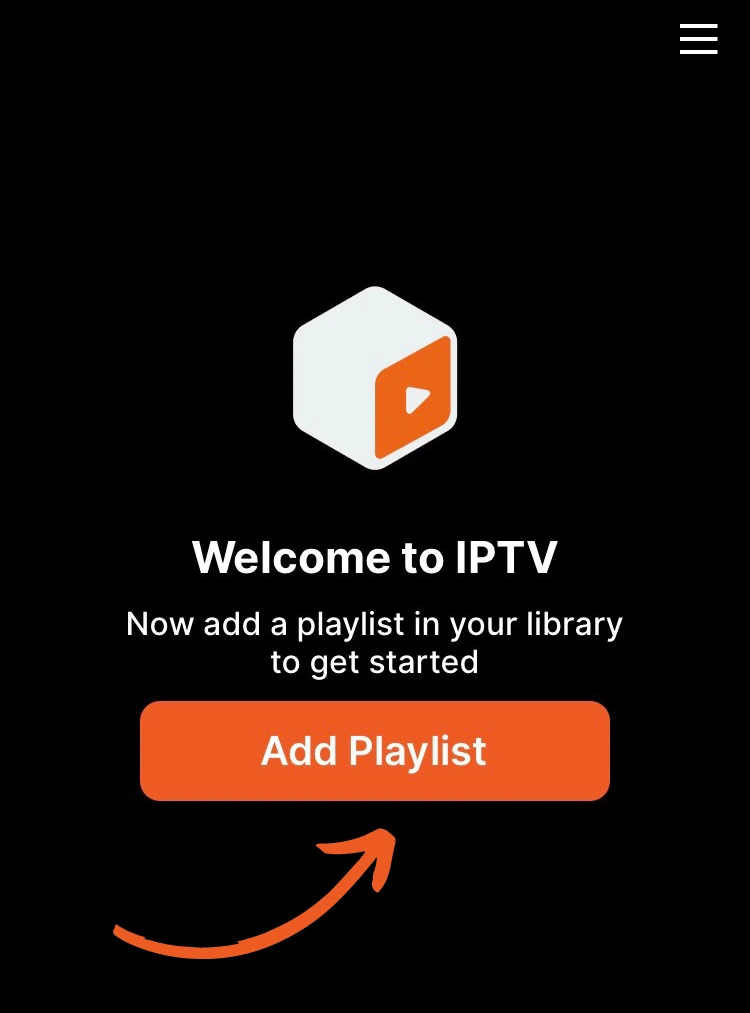
Download and open the Xtream IPTV app. Click on “Add playlist” to start.
STEP 2:
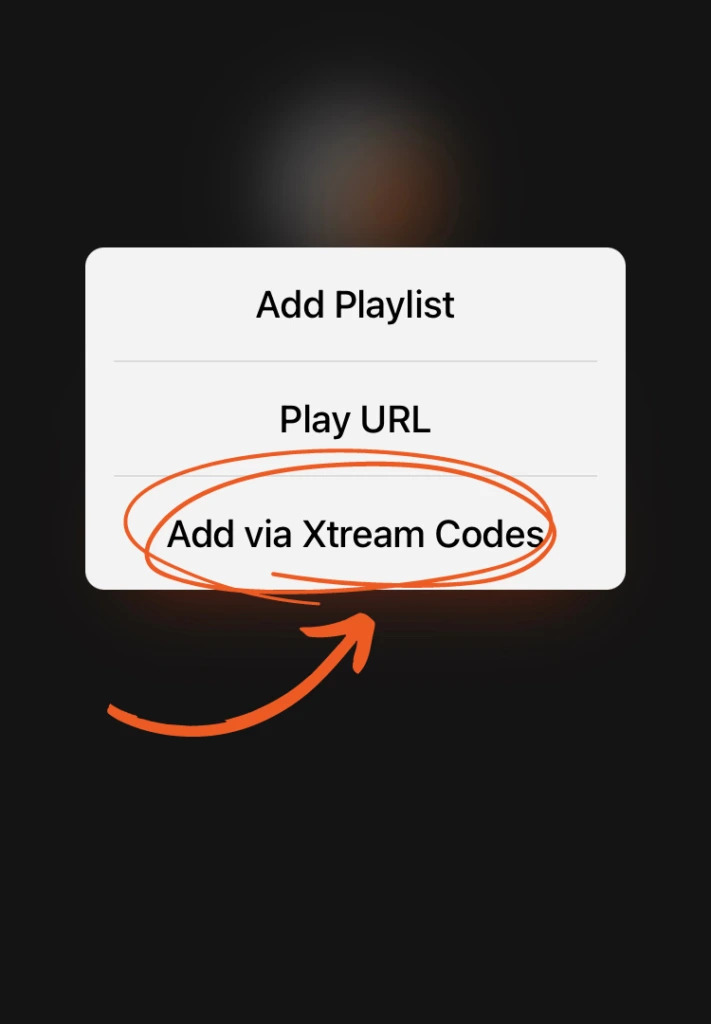
Select “Add via Xtream Codes” from the options provided.
STEP 3:
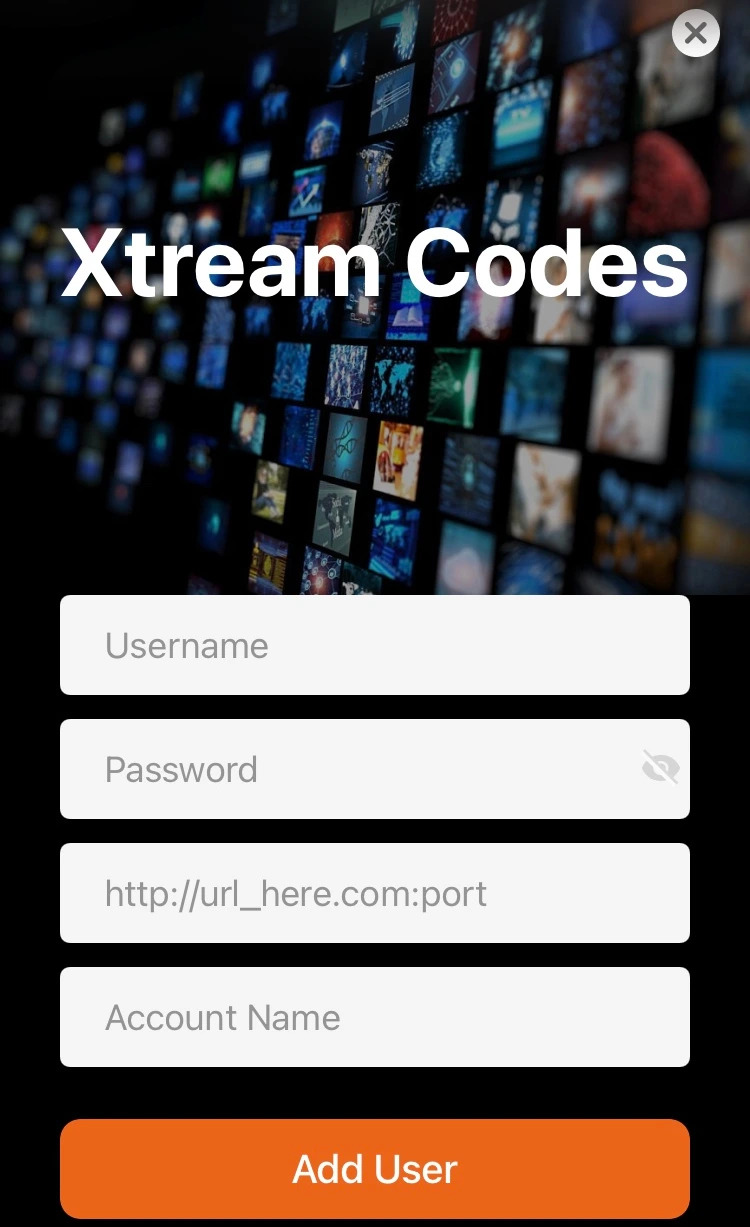
Enter the “Username”, “Password”, and “URL” details given by your IPTV provider. Create a personalized name for “Account Name”.
Click “Add user” and allow a moment for the settings to download. (Access your Login Details here.)
Congratulations! You've successfully set up IPTV on your Apple device. Enjoy streaming your favorite TV shows, movies, and live events on your iOS device.